
Overview
The Real-Time Streaming Protocol (RTSP) URL is used to connect your IP camera to the HDOnTap Streaming Network and is unique to your camera based on its IP address, RTSP port, username and password. While we will set up your IP camera initially, this RTSP URL may need to be updated if the IP address, RTSP port, username or password changes.
Prerequisites
- You must be an Admin.
- You must have your Portal login. Contact your Customer Administrator or HDOnTap Support if you need assistance with your Portal credentials.
- Customer Control must be enabled for your stream. Contact HDOnTap Support if you are unable to edit your stream.
Step-by-step instructions
-
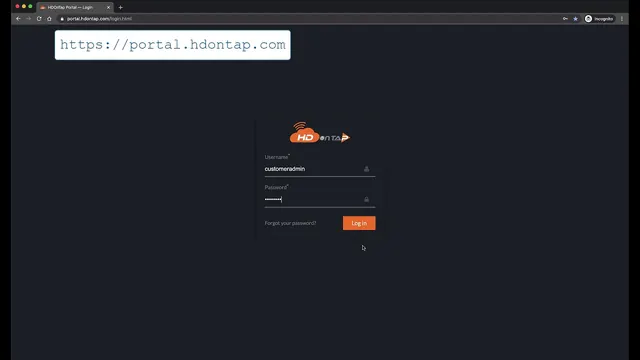
Log in to the HDOnTap Portal and navigate to Devices in the left-side menu.
-
Click the edit icon
 for the device you would like to update.
-
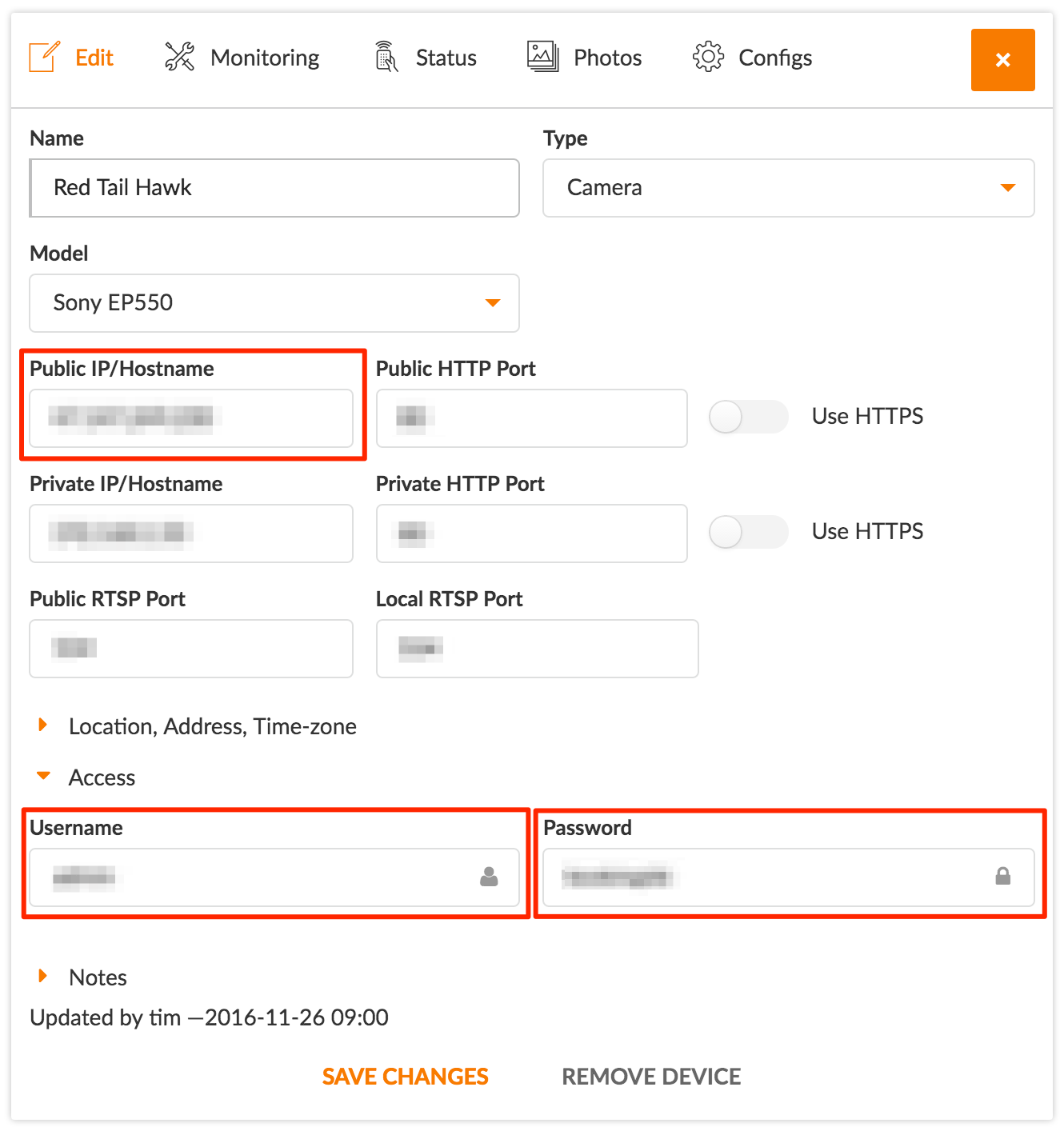
Update the necessary information. Typically, this will be the Public IP/Hostname, Username or Password. Click Save Changes when finished.
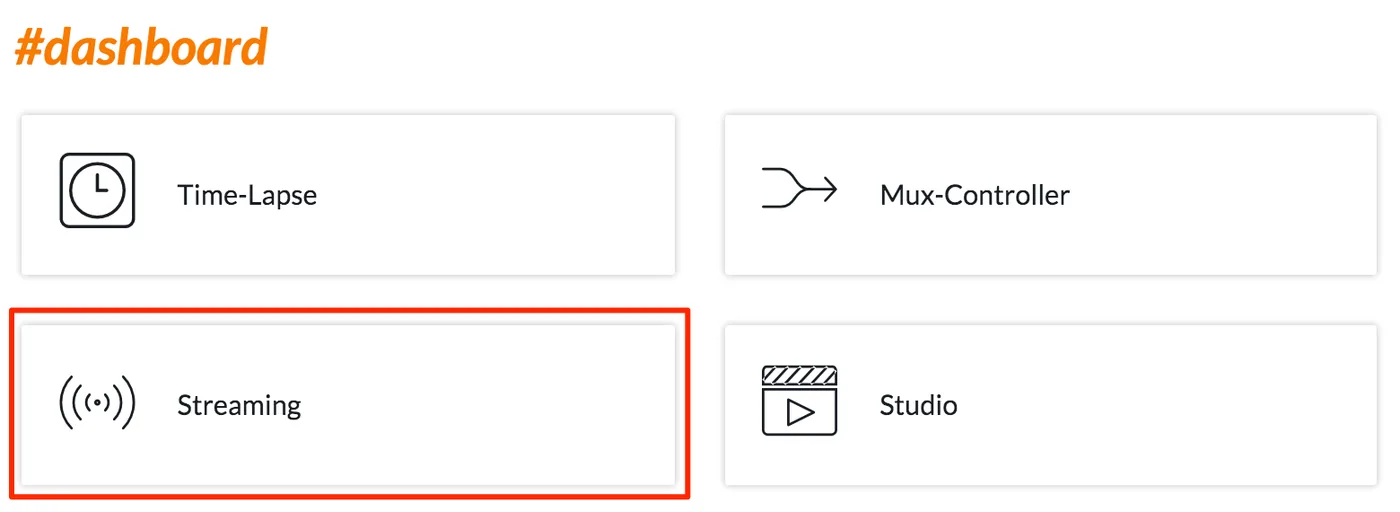
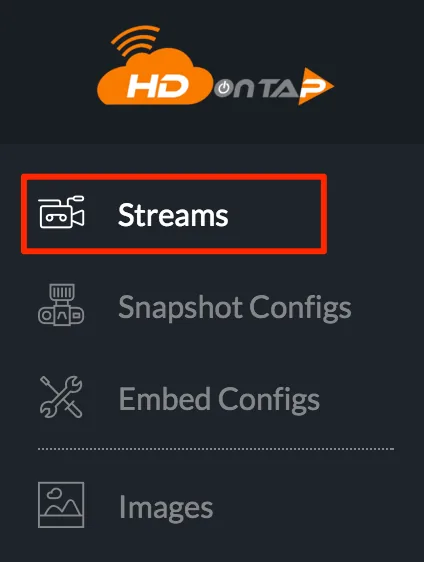
- Navigate to Dashboard (in the left-side menu) > Streaming > Streams:
-
Hover over the gear icon
 and click the edit icon for the stream that corresponds to the device that was just updated.
-
Click the Generate URL button to update the URL with the new information that you added to the device. Click Save and Restart Stream when finished.

-
Additionally, you can manually restart the stream: hover over the gear icon
and click the reset icon  for the stream that corresponds to the device that was just updated.
-
Click Reset in the confirmation dialog in the upper right corner of the screen. After resetting, you will see a Confirmation Message.


Your RTSP URL is now updated. Refresh any web pages displaying the stream embed to see the change.
Still need help?
Contact the HDOnTap support team at [email protected] or submit a support request.